Each course contains a Progress Bar. The Progress Bar is located in the Your Progress box on the right hand side of the course page.
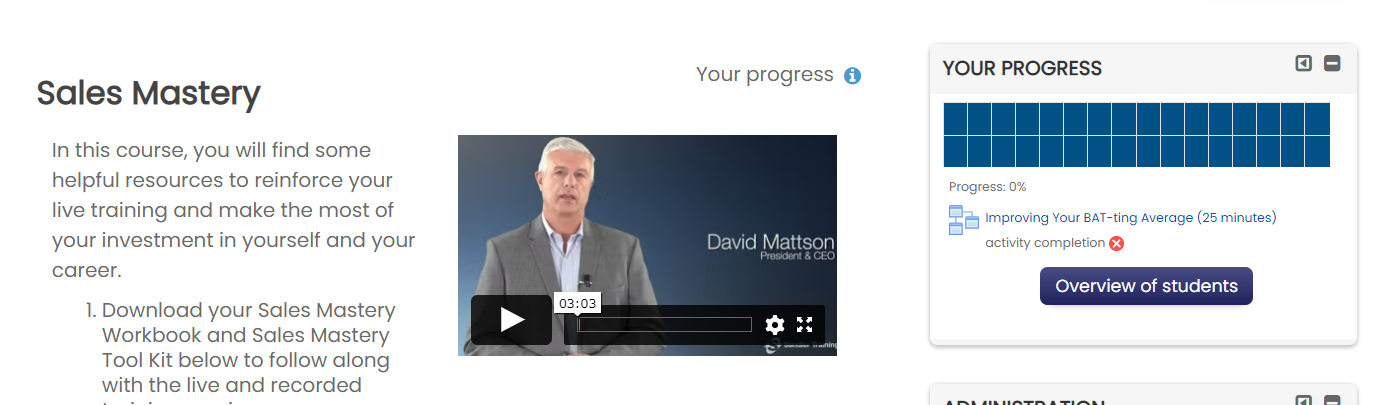
Once in the course, Your Progress will display on the left hand side of the page. As you go through each topic, your progress will update to reflect what lessons you have completed.
You can also view your progress on the homepage, under My Training.

FAQ's
I watched all the videos that were part of the course but the course progress is displaying 50% completion. What am I missing?
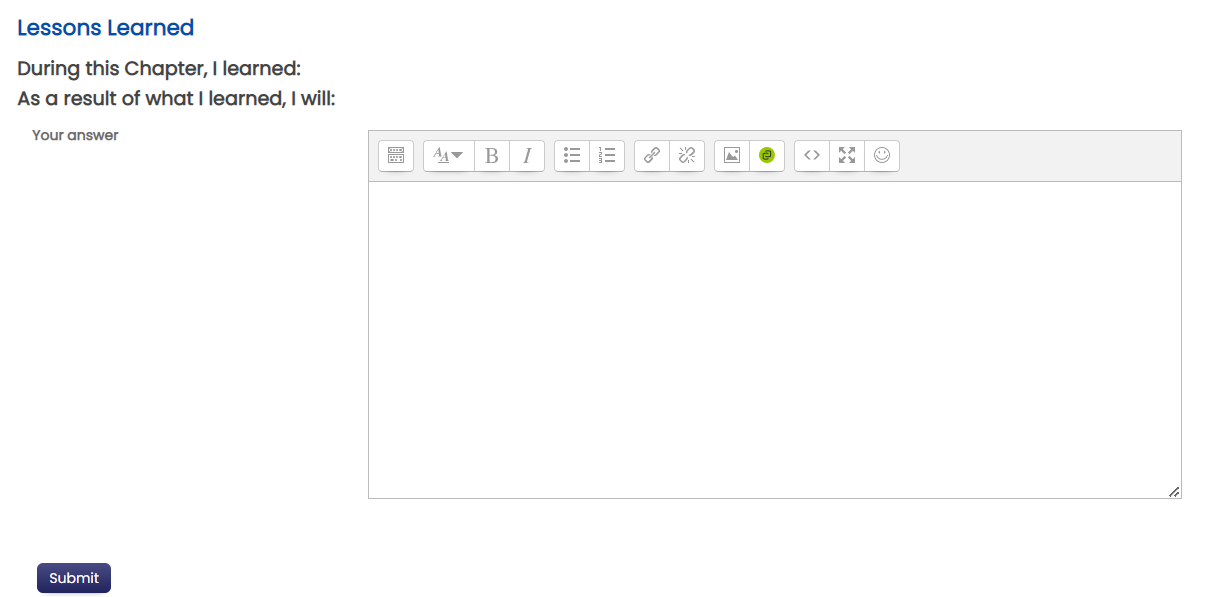
The final lesson for the program chapter is called "Knowledge Test and Lessons Learned." Both of these activities must be completed to receive a check mark in the right column symbolizing total chapter completion.
My course progress bar states 100% complete in my training course but the radio button inside the course, is not checked. What am I missing to complete this topic in the course?
If the radio button inside the course is not checked, you did not complete the lessons learned and the knowledge test which are at the end of each chapter lesson outline. Click into the topic chapter and select the last lesson knowledge test and lessons learned to complete. The check mark will be added when the chapter has been successfully completed.
Comments
0 comments
Please sign in to leave a comment.