Step 1. Follow the steps below to navigate to the correct location.
- Log into the LMS by going to Learn.Sandler.com
- Click on Sandler Online Administration.
- Go to Sandler Online menu and click Organization List.
- Search for Organization and click to access account.
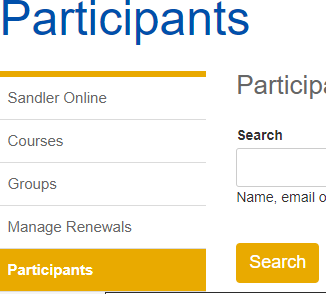
Step 2. Click on Participants (menu on the left).
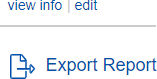
Step 3. Scroll to the end of the page. Click Export Report. Download the report.
Report fields available in the Export Report:
- User full name
- Email address
- Manager email address
- Account registration date
- Last login date
- Company name
Comments
0 comments
Please sign in to leave a comment.