Step 1.
- Log into the LMS by going to Learn.Sandler.com
- Click on Sandler Online Administration.
- Go to Sandler Online menu and click Organization List.
- Search for Organization and click to access account.
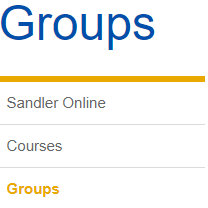
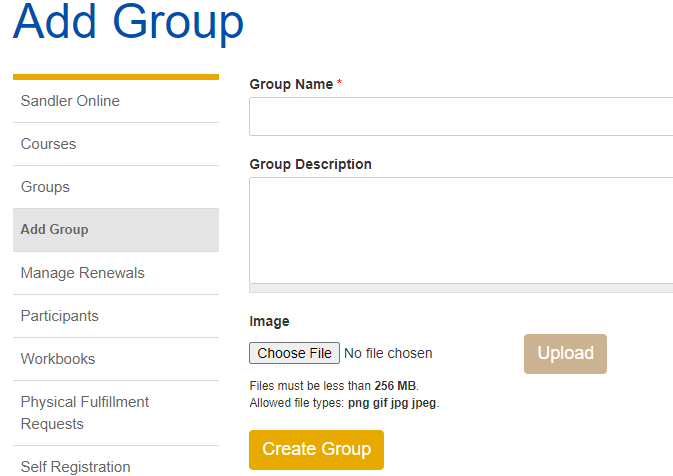
Step 2. Locate Groups (menu on left). Click Add Group. Enter Group Name and Group Description. Click Create Group.
Tip:

Comments
0 comments
Please sign in to leave a comment.